TL;DR
Related Links
-
OpenClaw installierst du mit
npm install -g openclaw@latestund startest dannopenclaw onboard --install-daemon. -
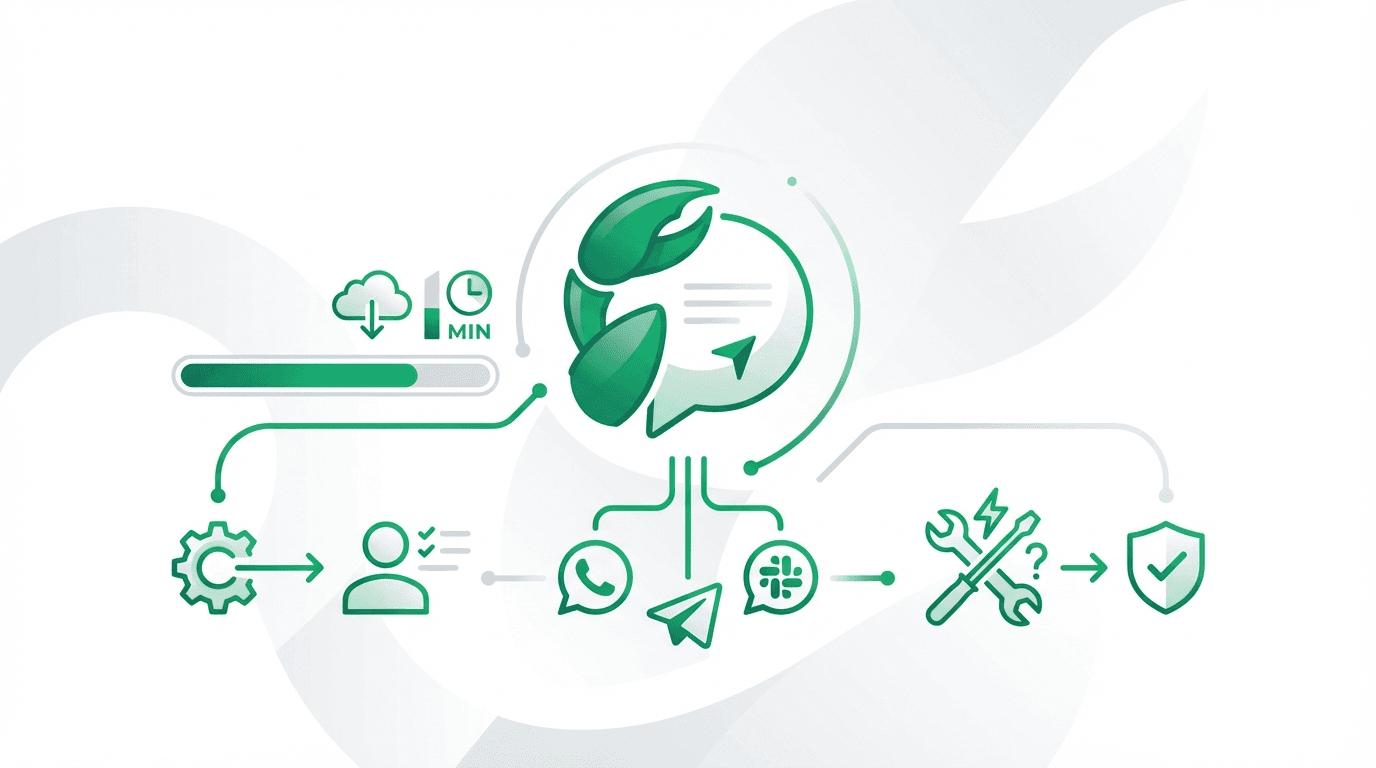
Der Wizard verbindet Models (Claude/OpenAI), richtet Gateway/Daemon ein und koppelt Channels wie WhatsApp oder Telegram.
-
Die häufigsten Fehler sind Node-Version, fehlende Rechte/Ports und falsche Channel-Creds.
OpenClaw Setup: Schritt für Schritt
Offizielle Links: openclaw.ai · Docs · GitHub
0) Voraussetzungen
- Node.js ≥ 22
- macOS / Linux / Windows (WSL2 empfohlen)
- Internetzugang (für Modell-Auth und Updates)
1) Installation
npm install -g openclaw@latest
# alternativ: pnpm add -g openclaw@latest
2) Onboarding Wizard (empfohlen)
openclaw onboard --install-daemon
Der Wizard führt dich durch:
- Gateway Setup (Control Plane)
- Model-Auth (Claude/ChatGPT etc.)
- Workspace / Skills
- Channels (WhatsApp/Telegram/Slack/…)
3) Gateway prüfen
openclaw gateway --port 18789 --verbose
4) Test-Nachricht senden
openclaw message send --to +43123456789 --message "Hello from OpenClaw"
5) (Optional) Doctor laufen lassen
openclaw doctor
Troubleshooting (die häufigsten Probleme)
Problem: command not found: openclaw
Fix: Stelle sicher, dass dein globales npm bin im PATH ist.
Problem: Node Version zu alt
Fix: Upgrade auf Node 22+.
Problem: Channel verbindet nicht
Fix:
- Credentials prüfen
- Pairing/Allowlist beachten (DM policy)
- Firewall/Ports prüfen
Problem: Gateway läuft, aber Web UI nicht erreichbar
Fix:
- Port/Bindings prüfen
- Token/Passwort Auth prüfen
Key Takeaways
- Der Wizard ist der schnellste Weg zu einem stabilen Setup.
- Für produktiven Betrieb: Daemon installieren +
openclaw doctorregelmäßig. - Security ist Default: DMs werden oft erst nach Pairing akzeptiert.
- Für Teams: Slack/Discord Channels besser als „offene“ WhatsApp DMs.
- OpenClaw ist local-first: sensible Daten bleiben bei dir.
FAQ
Brauche ich Docker? Nein. Docker ist optional, nützlich für Server-Deployments.
Kann ich OpenClaw auf einer VPS betreiben? Ja, sehr gut sogar (24/7).
Welche Modelle funktionieren am besten? Viele empfehlen Claude Pro/Max für lange Kontexte.
Sources
- https://openclaw.ai
- https://docs.openclaw.ai/start/getting-started
- https://docs.openclaw.ai/start/wizard
- https://github.com/openclaw/openclaw